Dashboard
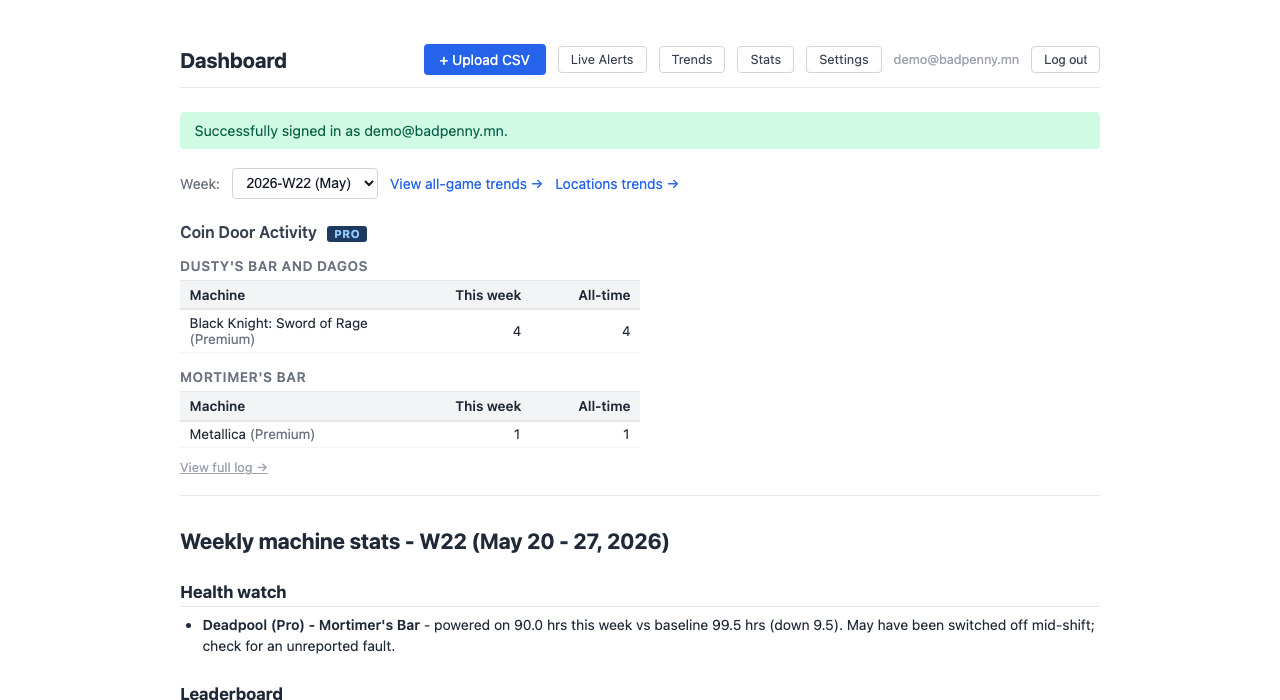
Your weekly machine stats at a glance. A leaderboard ranks every game by plays and earnings across all locations, with per-machine breakdowns below.
Upload CSV
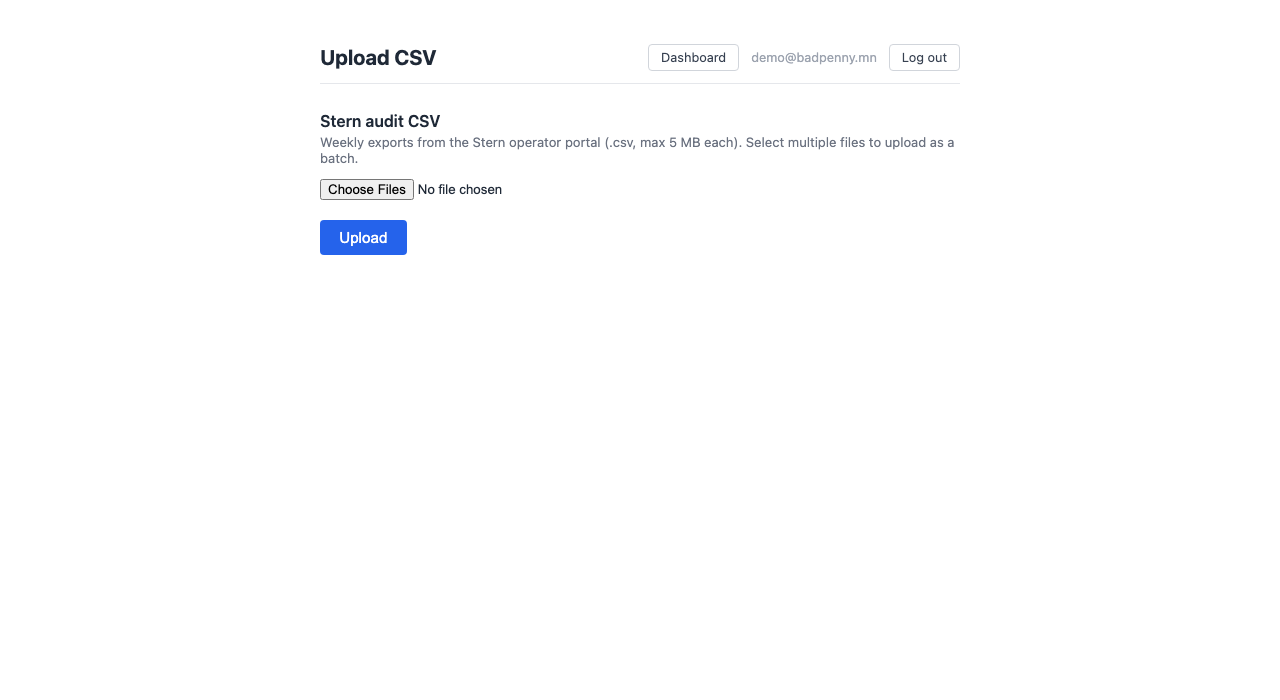
Drop in your weekly audit exports from the Stern Insider Connected Pro operator panel, one file or a whole batch at once. Duplicates are detected automatically.
Trends
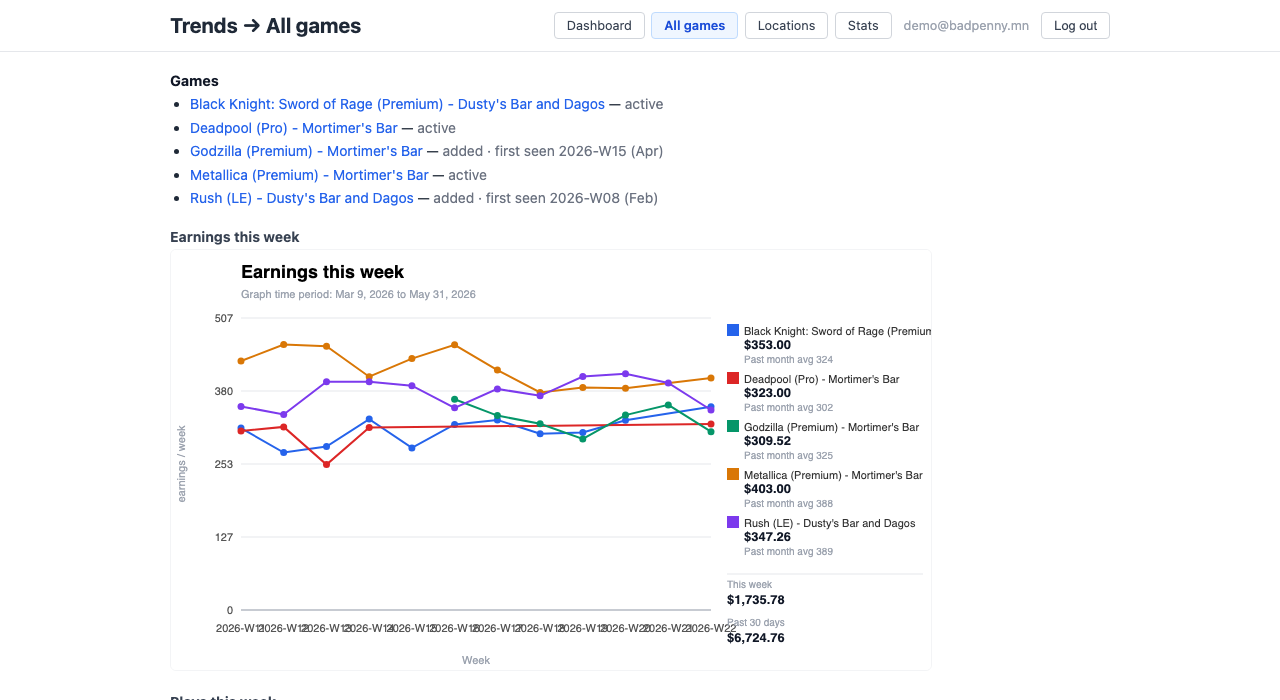
Week-over-week trend charts for every machine on your route. Track plays, earnings, and ball time across the full season, with labels for added and removed machines.
Stats Table
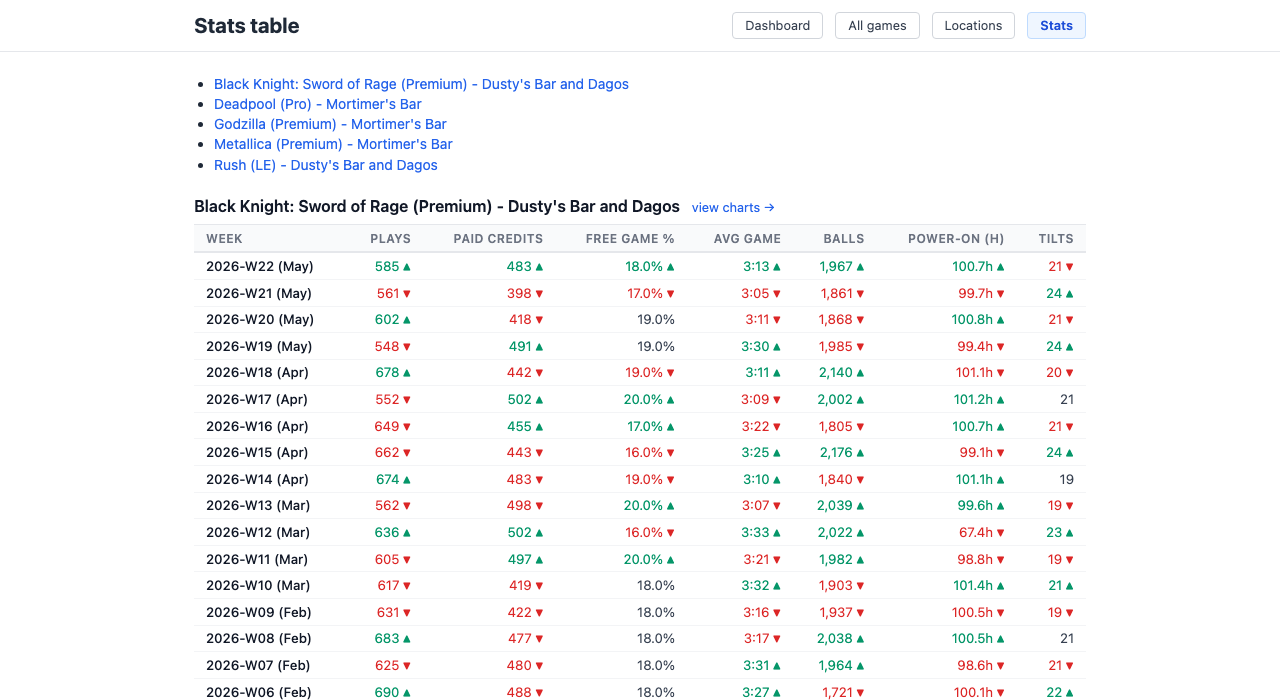
Full season stats for every machine: plays, paid credits, free game percentage, average game time, balls, power-on hours, and tilts, week by week with up/down indicators.
Live Alerts
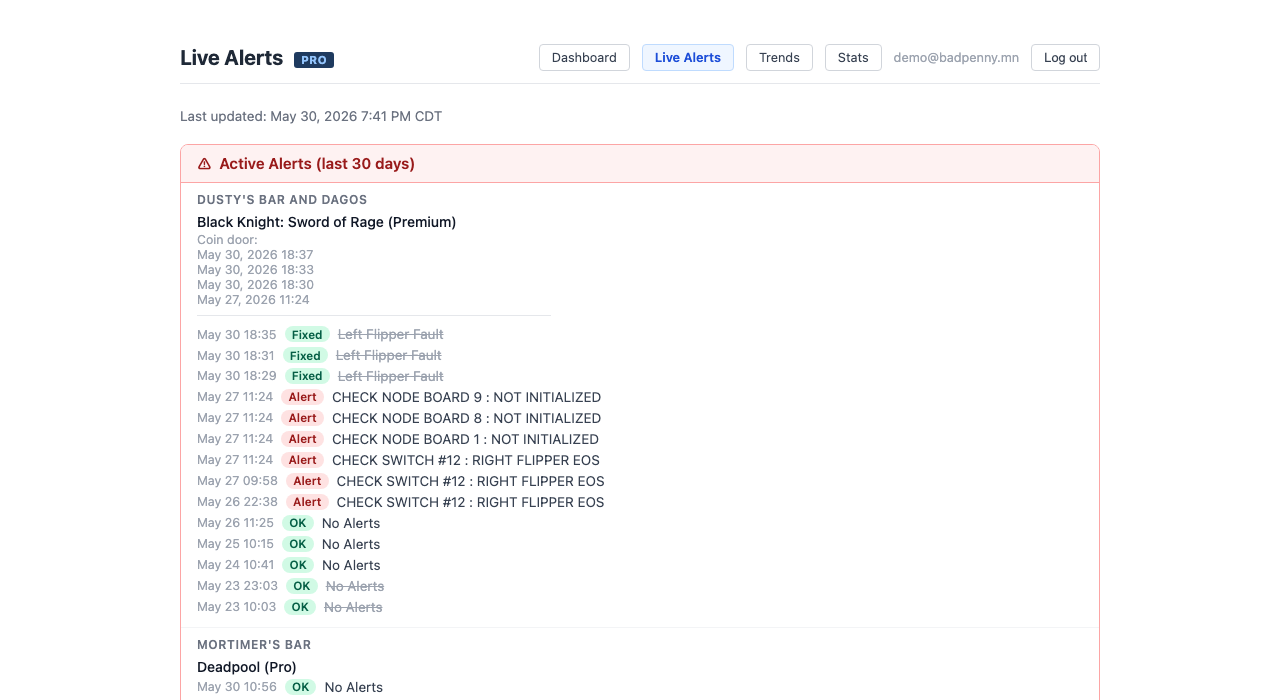
Real-time technician log alerts pulled directly from Stern Insider Connected. See active faults, health checks, and coin door events for every machine on your route, organized by location.
Billing
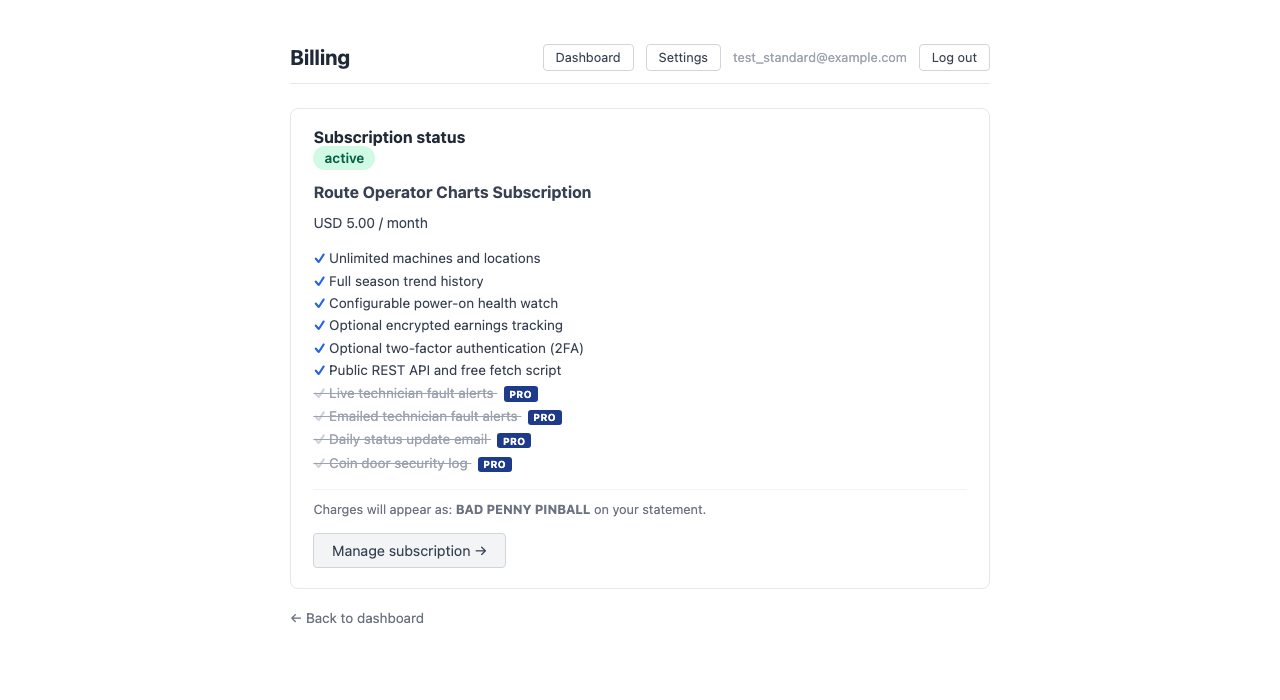
Subscription status and plan details in one place. Manage your payment method, view invoices, or cancel anytime through the Stripe customer portal.
Settings
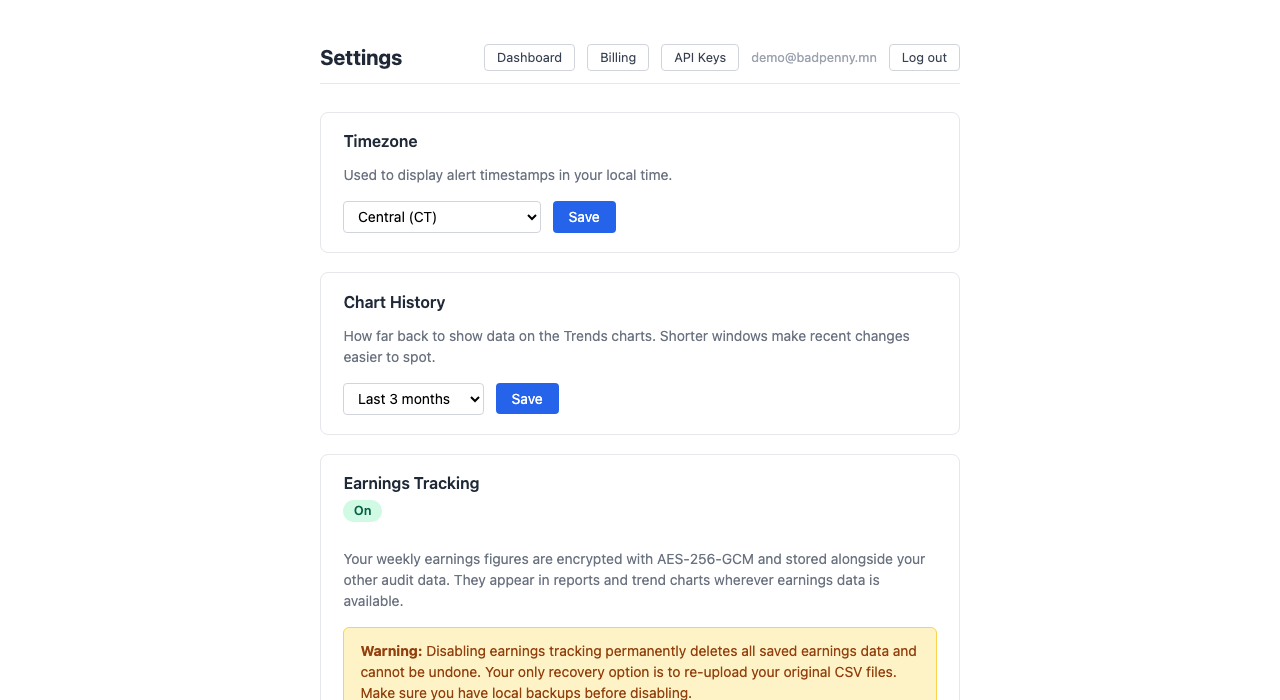
Optional encrypted earnings tracking. Enable it to see dollar-per-week figures in your reports. Disable it and your earnings data is crypto-shredded immediately. No trace left.
Fetch Script
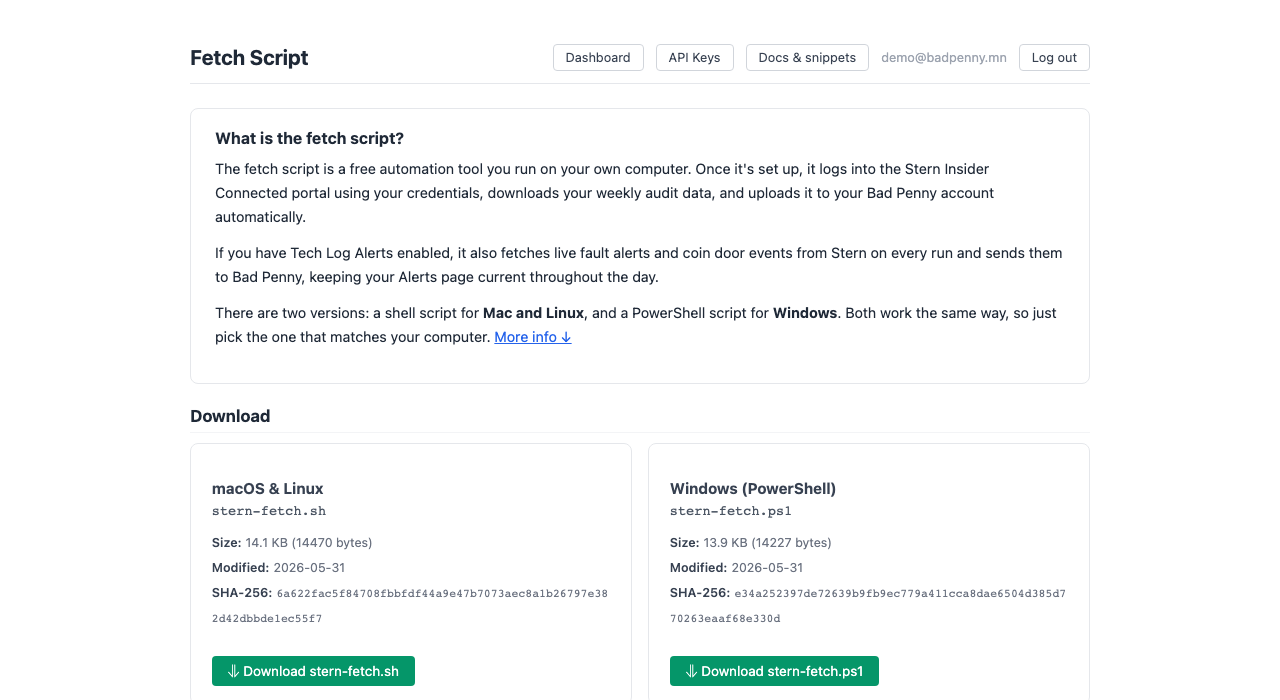
Download the free fetch script for macOS/Linux or Windows. Logs into Stern, downloads your CSVs, and uploads them to Bad Penny automatically. Includes file integrity checksums, a config file example, and step-by-step scheduler setup.
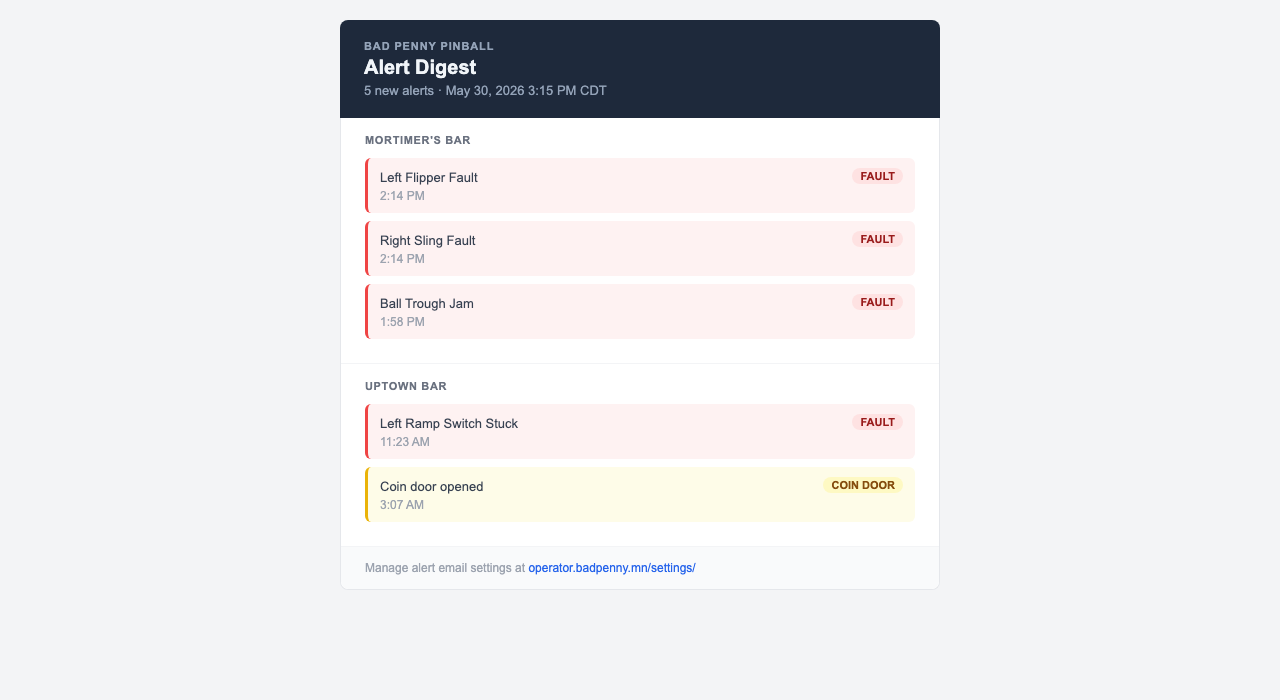
Alert Email Digest
PRO accounts receive a batched email within minutes of new faults or coin door events arriving. Alerts are grouped by location with fault and coin door badges. Add up to 3 additional recipients, such as technicians who don’t have a Bad Penny login.